Learn How to Use WriteStar
Step-by-step guides to help you get the most out of our AI-powered HKDSE English writing practice platform.
Getting Started
Create your account and set up your profile to begin practising.
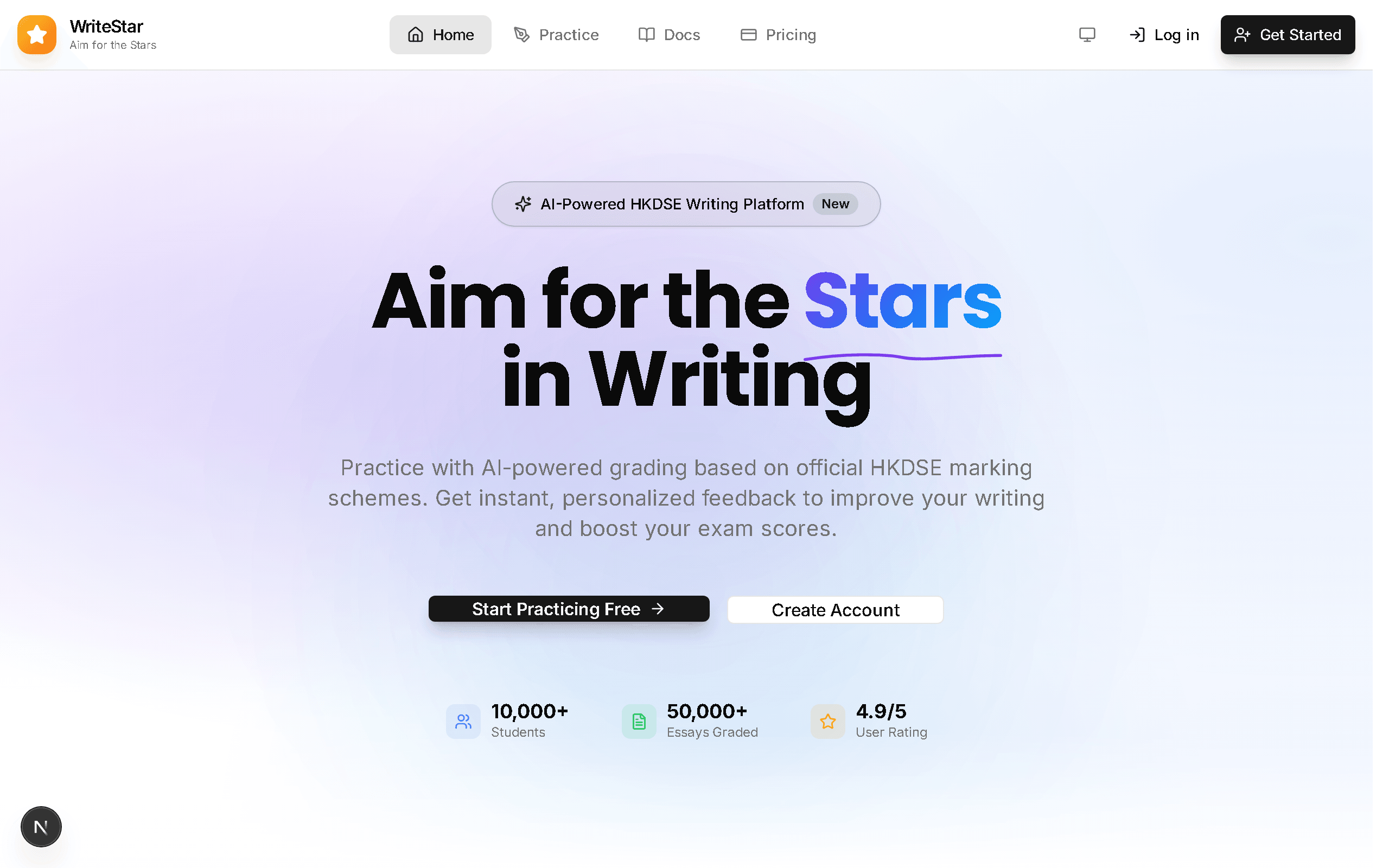
Visit the Homepage
Go to WriteStar's homepage. You'll see an overview of features and a call-to-action to get started.
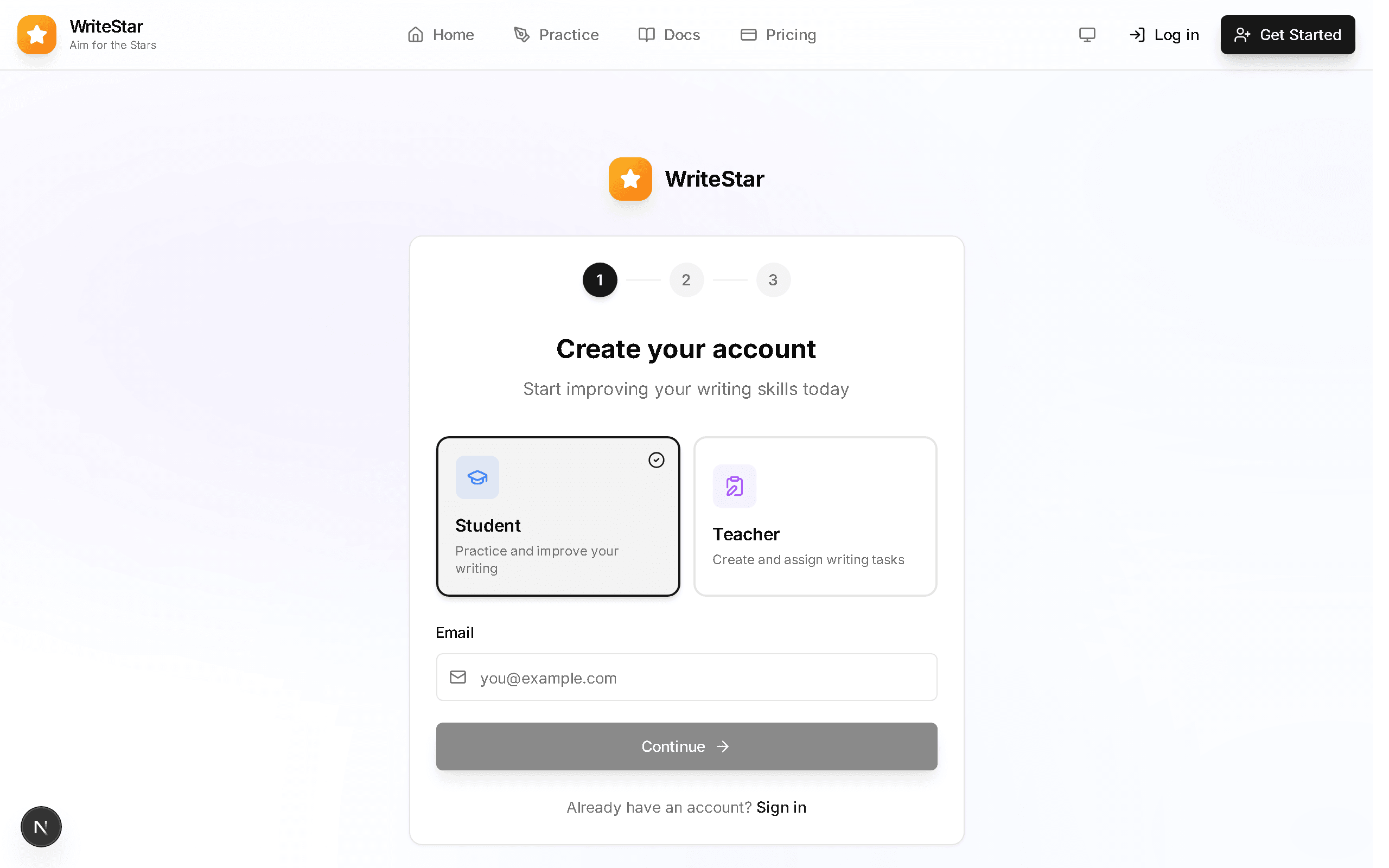
Create an Account
Click "Get Started" or "Sign up" to create your free account. You can register with your email or use Google sign-in.
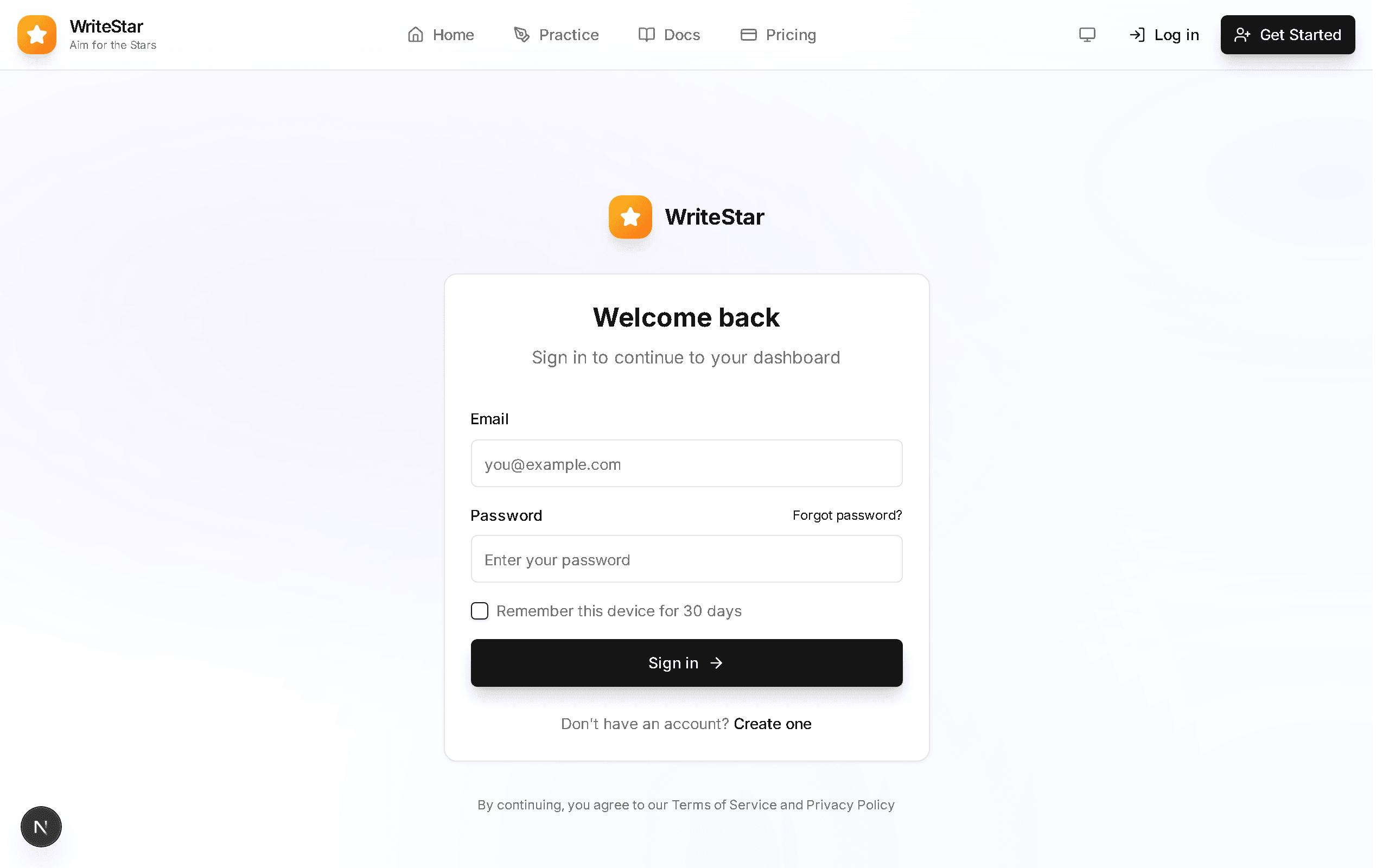
Log In
Already have an account? Click "Log in" and enter your credentials to access your dashboard.
Practice Writing
Choose a question type and start writing under exam conditions.
Browse Questions
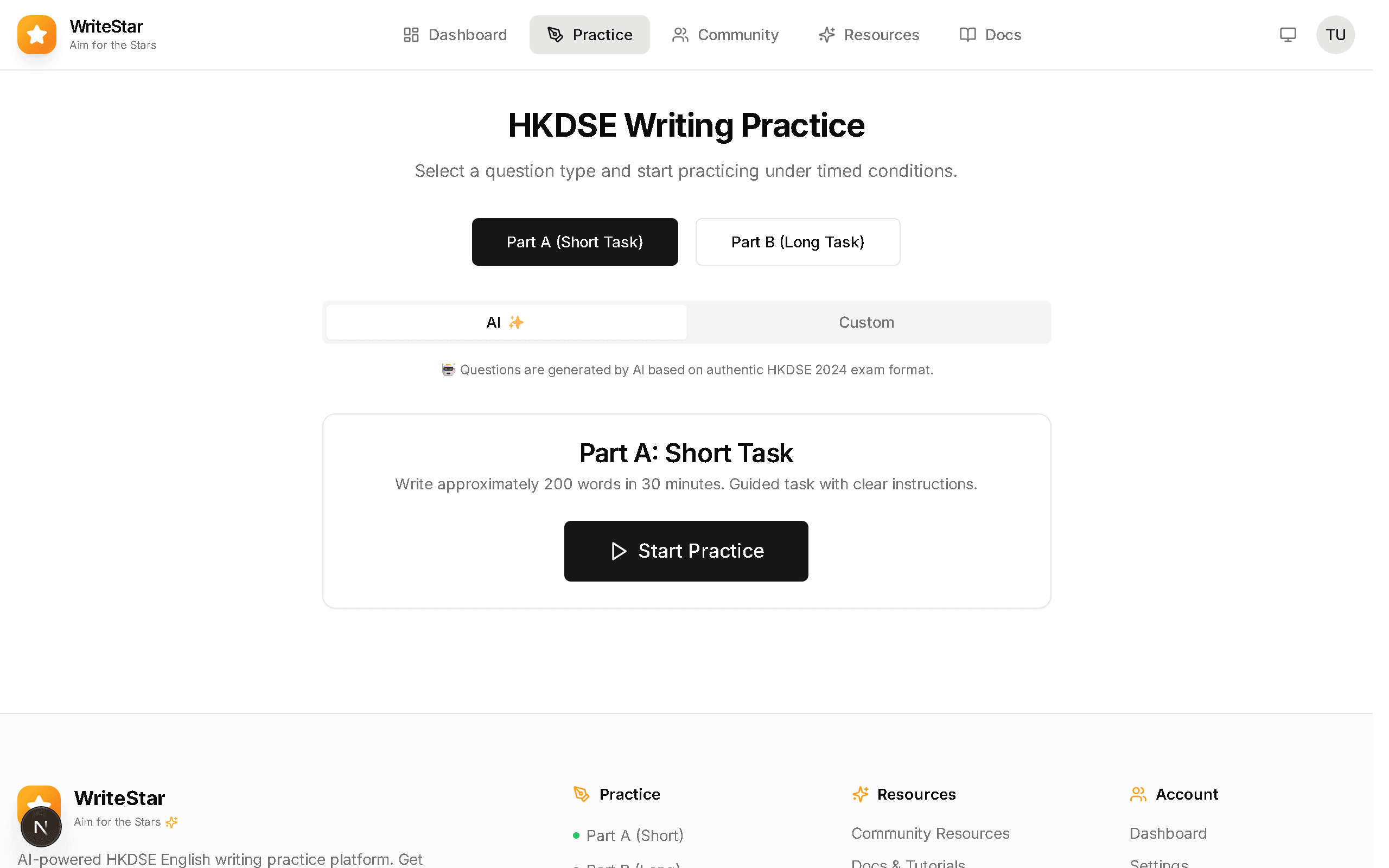
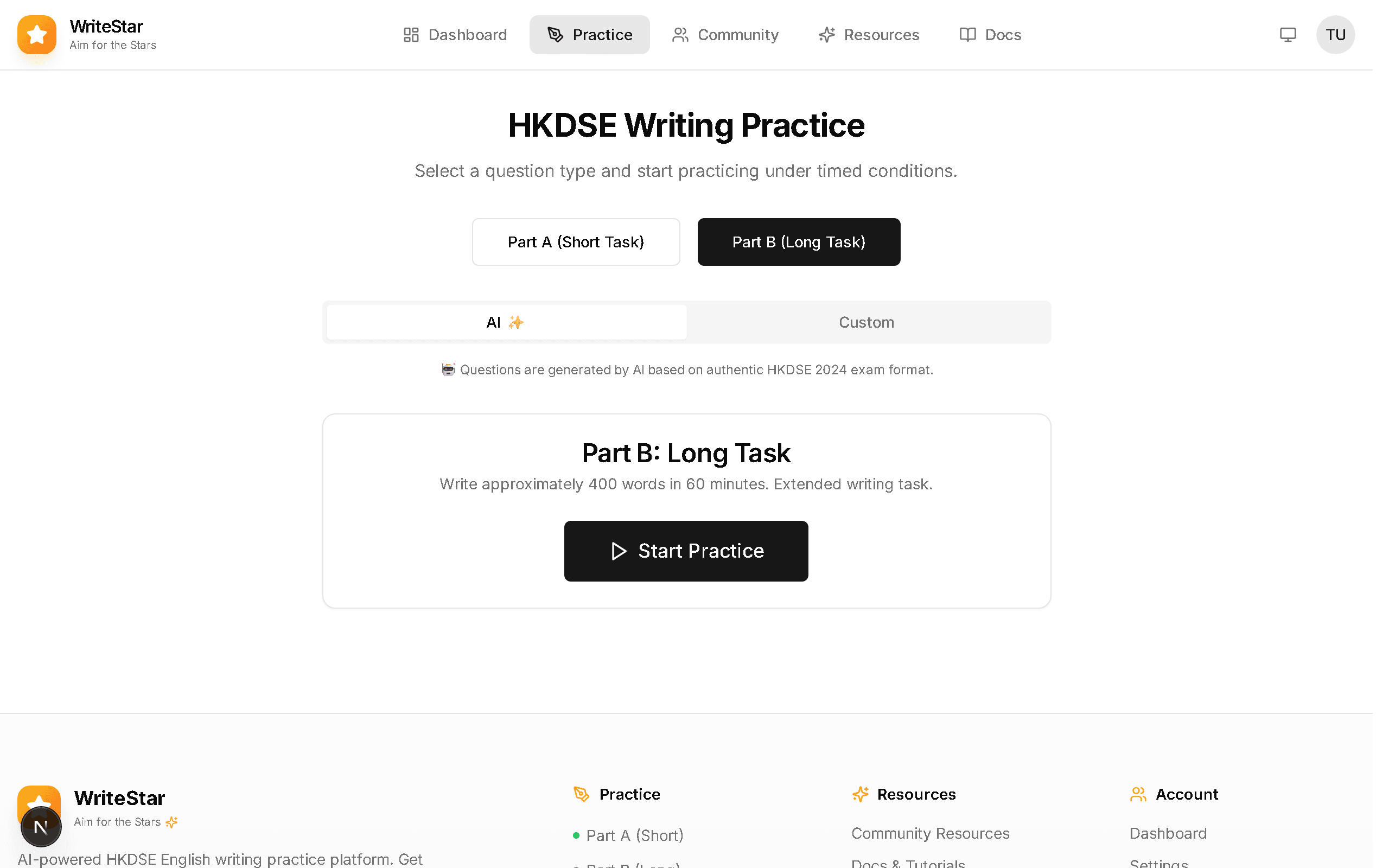
After logging in, navigate to the Practice page from the top navigation bar. You'll see a list of HKDSE-style questions to choose from. Use the filter to switch between Part A and Part B.
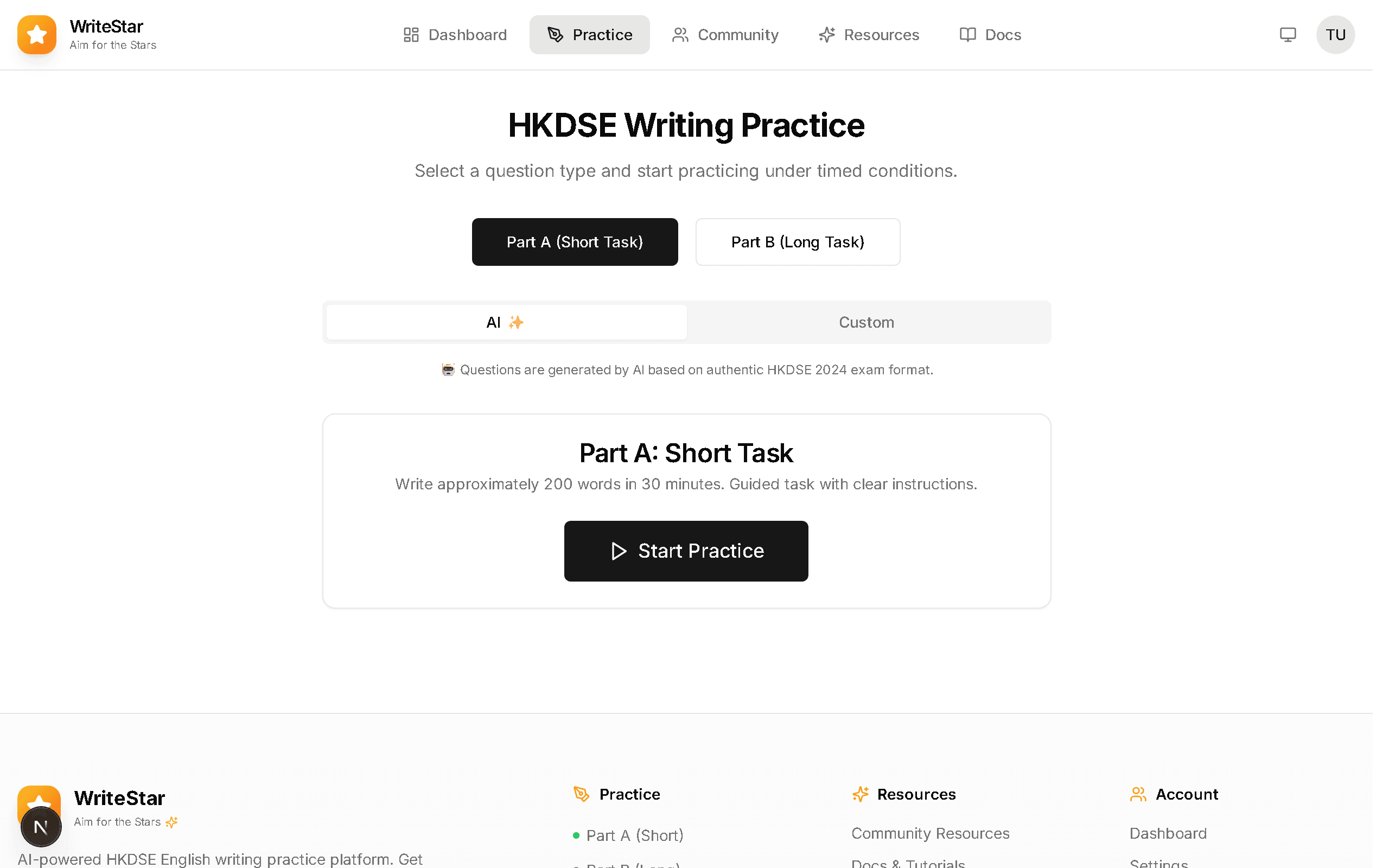
Part A — Short Tasks
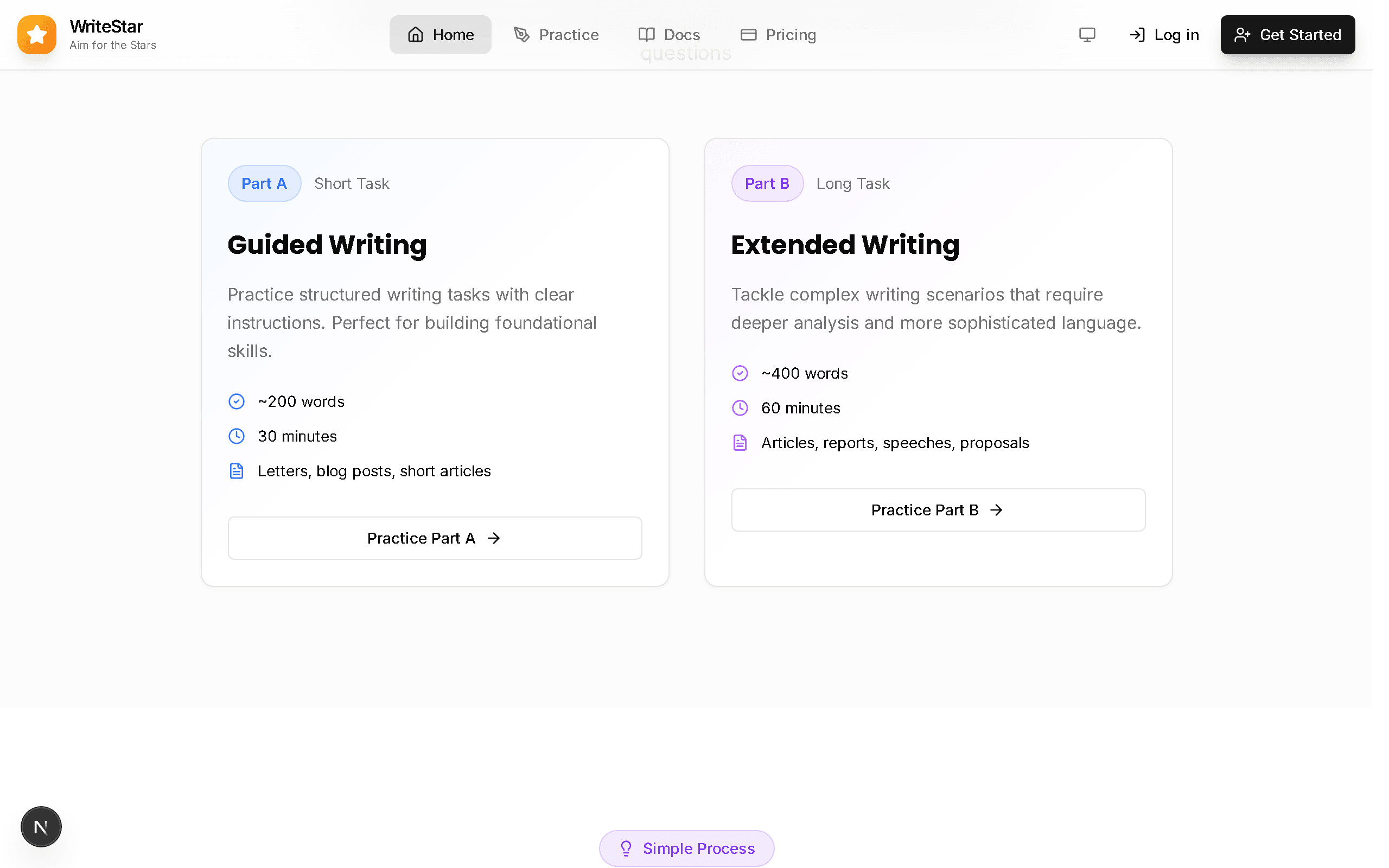
Part A questions include emails, letters, and short articles. These tasks typically require 200–300 words and test practical writing skills. Select a question, read the prompt carefully, and start writing in the built-in editor.
Part B — Long Essays
Part B questions are longer essays (400–600 words) including argumentative, descriptive, and narrative writing. You can enable a countdown timer to practise under realistic exam conditions.
AI Grading & Feedback
Understand how the AI grades your essays and how to use the feedback.
Submit Your Essay
After finishing your writing, click the "Submit" button. The AI will analyse your essay across multiple criteria including content, language, and organisation.
Review Your Scores
You'll receive a detailed breakdown of your scores in each DSE rubric category. The scoring follows the official HKDSE marking scheme.
Read Detailed Feedback
The AI provides specific suggestions for improvement, highlights grammar errors, and suggests vocabulary upgrades. Use this feedback to improve your next attempt.
Key Features
Explore the powerful features that help you improve your writing.
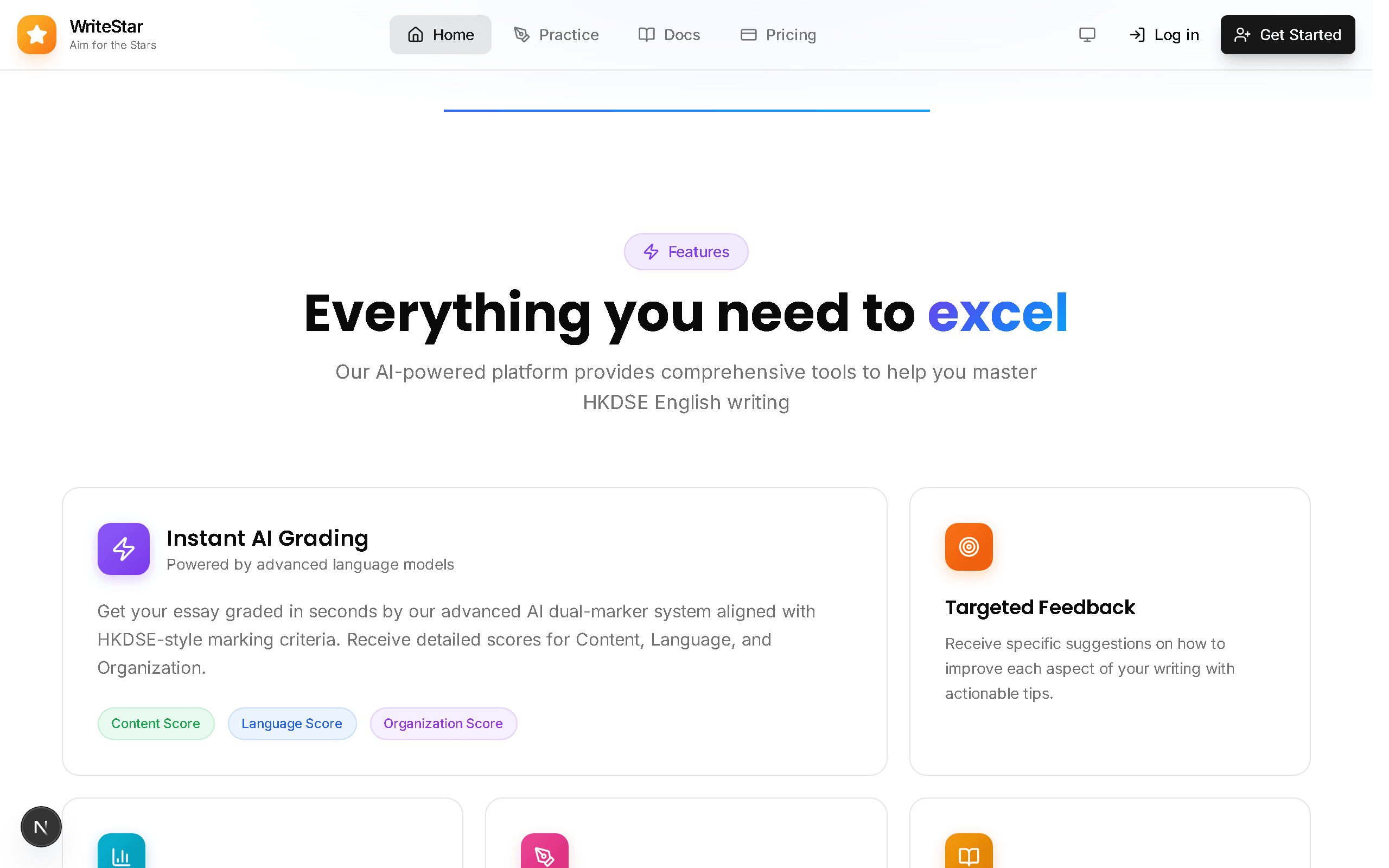
Feature Overview
WriteStar offers AI grading, targeted feedback, progress tracking, before/after comparison views, and a pattern library — all designed for HKDSE preparation.
How It Works
The platform follows a simple 3-step process: Choose a question, write your essay, and get instant AI feedback. Track your improvement over time.
Plans & Pricing
Choose the right plan for your learning needs.
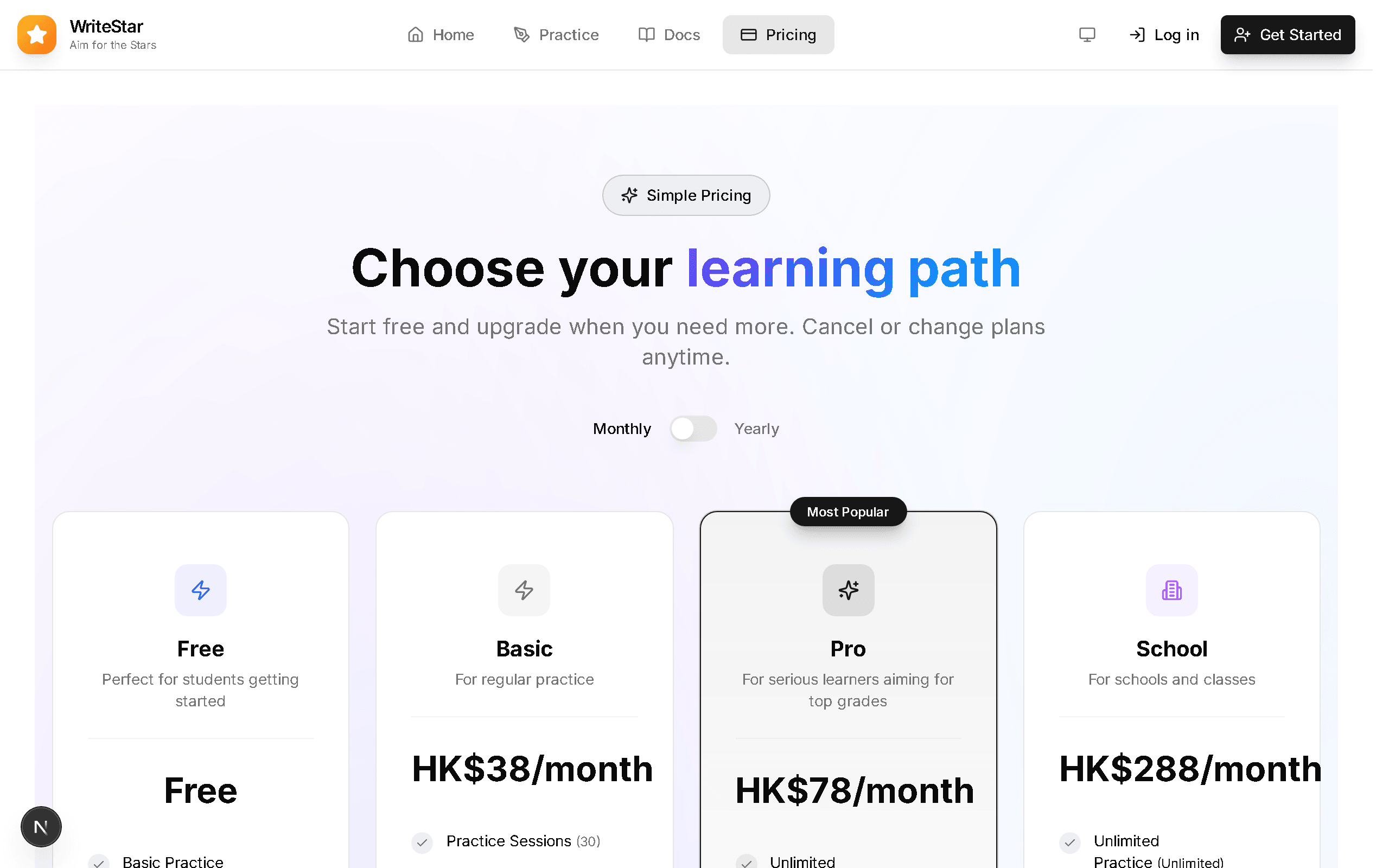
Compare Plans
WriteStar offers flexible plans from free to premium. Compare features and choose the plan that suits your study schedule and goals.
Ready to Start Practising?
Put what you've learned into action. Choose a question and get instant AI feedback on your writing.